Mastering AI Agents & Local LLM Infrastructure: Streaming, Sandboxing, and Prompt Firewalls
Explore local LLM infrastructure: streaming via chunked transfer tunnels, sandboxing untrusted MCP tool calls in Wasm, and zero-leak prompt firewalls for PII redaction.` *(163 characters — Optimized
Quick answer
AI Agents & Local LLM Infrastructure: Streaming, MCP: localhost tunnel answer
A localhost tunnel gives your local app a public HTTPS URL without opening router ports, which is useful for demos, QA, mobile testing, and provider callbacks.
How do I expose localhost without opening ports?
Use a reverse HTTPS tunnel. Your machine connects outbound to the tunnel service, and the public URL forwards requests back to your local app.
When should I use a localhost tunnel?
Use one for webhook testing, OAuth callbacks, client demos, QA previews, mobile device checks, and short-lived development reviews.
Local LLM servers and agent frameworks are now common in production-adjacent workflows. Engineers run Ollama, llama.cpp, or vLLM on their own hardware and expose it through a reverse tunnel. They connect agents to tools over the Model Context Protocol (MCP), and they hand some sub-tasks to hosted models. Each of these choices creates its own infrastructure problems. Long generations get cut off by proxy timeouts. Buffering breaks token-by-token streaming. Third-party tool servers add a large attack surface. Sensitive data can leave the machine inside a prompt.
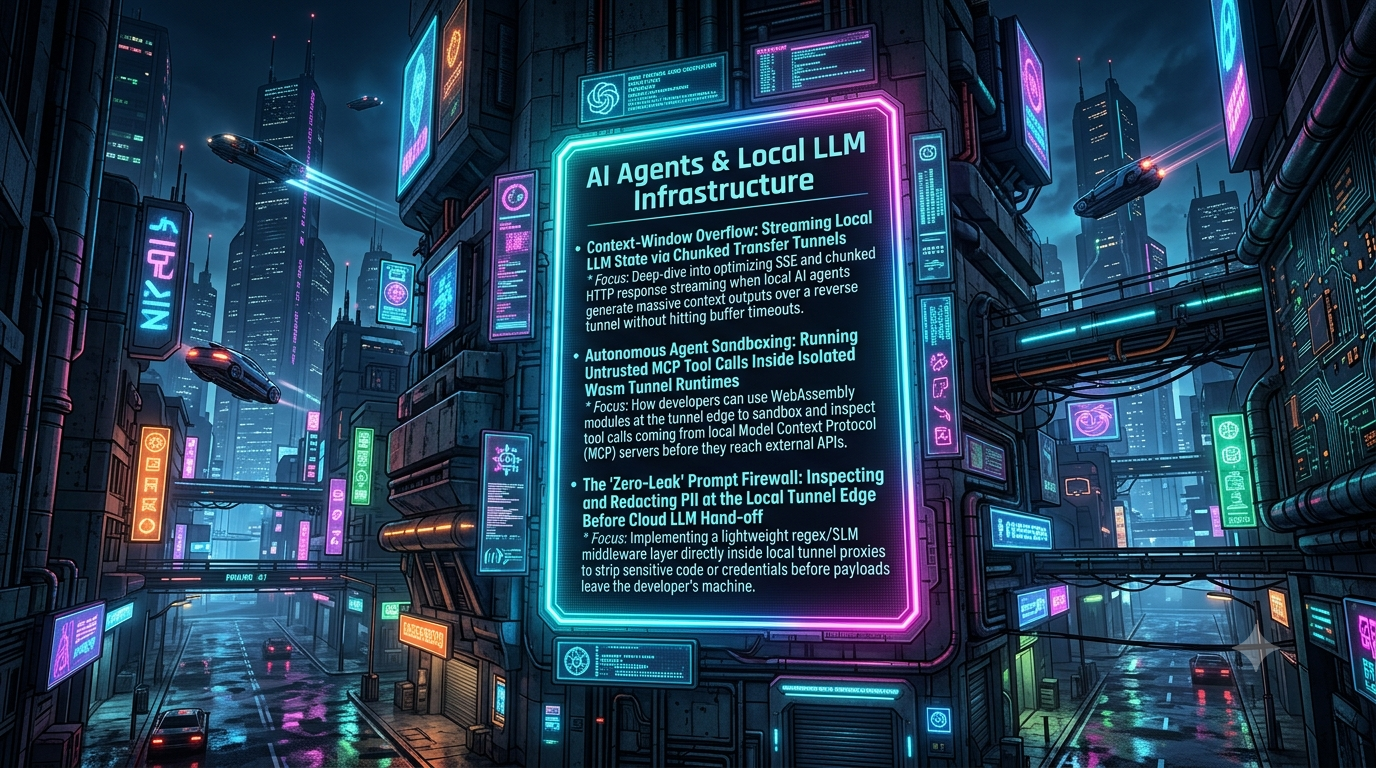
This article covers three patterns for these problems:
- Keeping long-running streamed generations alive through tunnels and proxies.
- Limiting what untrusted MCP tool code can do with a WebAssembly (Wasm) runtime.
- Redacting secrets and PII at the edge before a prompt reaches a cloud model.
For each pattern it states what the technique does and what it does not do.
1. Long-Running Generations: Keeping Streams Alive Through Tunnels and Proxies
Context-window overflow is a separate problem. It happens when the input exceeds the model’s configured context length, and the fix is on the model server (for Ollama, the num_ctx setting), not in the network path. The failure this section addresses is a long or slow response getting cut off or delayed between the local model and the client.
[Local LLM server]
      │  (localhost HTTP)
      ▼
[Your edge proxy / tunnel daemon] ──(chunked HTTP / SSE)──► [Remote client or gateway]
      ▲
 (buffering off, heartbeats, tuned timeouts)
Ollama listens on port 11434 by default. It exposes an OpenAI-compatible /v1/chat/completions endpoint, and stream: true returns Server-Sent Events (SSE). Reasoning-style generations can run for minutes, and the path between model and client has several places where they can fail.
Where streams break
- Idle and response timeouts. Nginx’s
proxy_read_timeoutdefaults to 60 seconds. It measures the gap between two successive reads from the upstream, not the total request time. If a model spends longer than that processing a large prompt before emitting its first token, Nginx closes the connection. Cloudflare’s proxy returns a 524 error when the origin does not respond within about 100 seconds. That limit can only be changed on Enterprise plans, and it applies to the wait for the response, so a long silent “thinking” phase is the dangerous part. - Response buffering. Nginx buffers upstream responses by default (
proxy_buffering on). Clients then receive events in batches instead of token by token. Some CDNs and gateways behave the same way. - Compression and middleware buffering. A compression layer that waits for a full buffer before flushing can delay SSE events badly. Exclude
text/event-streamfrom compression and from any buffering middleware.
A tuned Nginx location block
If you run your own Nginx in front of a local model, this configuration covers the points above:
location /v1/chat/completions {
    # Ollama has no built-in authentication: enforce it here (API key, mTLS, or an auth subrequest)
    proxy_pass http://127.0.0.1:11434;

    # HTTP/1.1 upstream with keep-alive (Nginx streams chunked responses to the client by default)
    proxy_http_version 1.1;
    proxy_set_header Connection "";

    # Forward bytes as they arrive
    proxy_buffering off;
    proxy_cache off;
    gzip off;

    # Allow long silent gaps between upstream reads
    proxy_read_timeout 600s;
    proxy_send_timeout 600s;
}
Two corrections to commonly copied snippets:
X-Accel-Buffering: nois a response header sent by the upstream application to tell Nginx not to buffer that response. Setting it withadd_headerin the same Nginx location does nothing useful. If you control the backend or wrapper, send it from there. Otherwise rely onproxy_buffering off.- Raising Nginx timeouts does not change limits owned by another hop. Raising
proxy_read_timeoutto an hour still leaves Cloudflare’s roughly 100-second limit in place.
Send heartbeats
The most reliable defense against idle timeouts is to make sure the stream is never silent. Send the response headers immediately, then emit an SSE comment line, such as : ping, every 20–30 seconds while the model is working. Comment lines are ignored by SSE parsers and cost a few bytes. Keepalives from the client side do not help an SSE stream, because the silence that triggers the timeout comes from the server.
Tunnel-specific caveats
Behavior differs between tunnel products and changes over time. Some projects document SSE passing through Cloudflare Tunnel without trouble. Others report buffering of SSE streams through cloudflared. Test end to end with a slow, long generation before you rely on any tunnel. If a tunnel buffers and you cannot change it, an SSH reverse tunnel to a VM running your own Nginx is a commonly used workaround.
On the client side, read the response incrementally with a streaming parser. Do not wait for the full body.
2. Agent Sandboxing: Limiting Untrusted MCP Tool Code with WebAssembly
The Model Context Protocol, created by Anthropic, is now the most widely adopted standard for connecting AI applications to tools and data. In December 2025 Anthropic donated it to the Linux Foundation’s Agentic AI Foundation, alongside Block’s goose and OpenAI’s AGENTS.md. Clients such as Claude, ChatGPT, Gemini, VS Code, and Cursor support it.
MCP messages use JSON-RPC. The specification currently defines two transports, stdio and Streamable HTTP. Streamable HTTP replaced the older HTTP+SSE transport from the 2024-11-05 revision.
The threat
Adoption has outpaced hardening. Researchers have documented several attack classes against MCP deployments:
- Tool poisoning: malicious instructions hidden in tool descriptions or other schema fields, invisible to users but read by the model. Invariant Labs published the original advisory in April 2025.
- Prompt injection through tool output: a server or the content it fetches returns text that hijacks the agent’s next steps. Prompt injection is the top-ranked risk (LLM01) in the OWASP Top 10 for LLM Applications 2025.
- Plain implementation bugs: security researchers reported more than 30 CVEs against MCP servers, clients, and tooling in early 2026, including command injection and path traversal.
A model can be manipulated by untrusted text no matter what runtime hosts the tool. What you control is how much damage a compromised or malicious tool can do.
What Wasm gives you
Running tool code as WebAssembly confines it to a sandbox with no ambient authority. A guest module can only call functions the host explicitly provides. If you provide no WASI imports, it has no filesystem and no sockets. Runtimes such as Wasmtime add hard limits:
- Fuel metering caps the number of instructions executed, so infinite loops trap.
- A resource limiter caps linear-memory growth and the number of instances.
- Epoch interruption adds a wall-clock deadline.
Startup cost is low. With Wasmtime’s pooling allocator, which is not enabled by default, the project describes instantiation as taking microseconds. Compilation is a separate cost, so compile ahead of time and cache the result.
[Agent / MCP client]
        │ JSON-RPC
        ▼
[Host process: Wasmtime]
   ├─ fuel budget, memory cap, deadline
   └─ imports: only what you grant (no WASI by default)
        ▼
[Untrusted tool module]
Example: a capability-free Wasmtime sandbox
This sketch uses Wasmtime’s core-module API. It exports a numeric function to keep the example short. Production MCP tools would normally use the component model with WIT interfaces and explicitly granted WASI capabilities.
use wasmtime::{Config, Engine, Instance, Module, Store, StoreLimits, StoreLimitsBuilder};

struct HostState {
    limits: StoreLimits,
}

fn main() -> wasmtime::Result<()> {
    let mut config = Config::new();
    config.consume_fuel(true); // enable instruction metering
    let engine = Engine::new(&config)?;
    let module = Module::from_file(&engine, "untrusted_tool.wasm")?;

    let mut store = Store::new(
        &engine,
        HostState {
            limits: StoreLimitsBuilder::new()
                .memory_size(64 * 1024 * 1024) // cap linear memory at 64 MiB
                .instances(1)
                .build(),
        },
    );
    store.limiter(|state| &mut state.limits);
    store.set_fuel(50_000_000)?; // instruction budget; exhaustion traps the guest

    // Empty import list: no WASI, so no files and no network
    let instance = Instance::new(&mut store, &module, &[])?;
    let run = instance.get_typed_func::<i32, i32>(&mut store, "run")?;

    match run.call(&mut store, 42) {
        Ok(out) => println!("tool returned {out}"),
        Err(trap) => eprintln!("tool trapped (budget exceeded or fault): {trap}"),
    }
    Ok(())
}
A module that declares imports you did not provide fails to instantiate. That is the capability model working as intended.
Limits of this approach
- Wasm is a strong boundary, but not an absolute one. Bugs in the runtime or in the host functions you expose can still break isolation, so keep the runtime updated and keep the host API small.
- It protects the host from the tool code. It does not stop a poisoned tool description from steering the model, or the model from misusing the tools you grant. Combine it with human approval for sensitive actions, least-privilege credentials, and pinned, reviewed servers.
- Most existing MCP servers are Node.js or Python processes launched over stdio. They do not run in Wasm without being rewritten or recompiled, so for those servers an OS-level sandbox or a container is the practical option.
3. A Prompt Firewall: Redacting Secrets and PII Before Cloud Hand-off
Hybrid setups send some tasks from a local application to a hosted model. Anything in the prompt, whether source code, connection strings, API keys, customer data, or logs, then leaves your machine. Sensitive information disclosure is the second-ranked risk (LLM02) in the OWASP Top 10 for LLM Applications 2025.
A local proxy can inspect outbound requests and replace sensitive values with placeholders before they cross the boundary.
[Local app] ──► [Local proxy: detect + replace] ──► [Cloud LLM API]
                       │
              in-memory placeholder map
                       ▲
[Local app] ◄── [restore placeholders in the response]
Detection layers
- Deterministic patterns. Regular expressions with checksums find well-structured secrets: cloud access key IDs, JWTs, API-key prefixes, emails, and card numbers.
- NER-based detection. Microsoft Presidio is an open-source SDK that combines named-entity recognition, regular expressions, rule-based logic, and checksums. Its NER step typically uses spaCy models. It is not a small language model (SLM). Language coverage depends on the models you install.
Treat detection as probabilistic. Presidio’s own materials note that it does not guarantee finding all sensitive information. A prompt firewall reduces exposure but does not eliminate it.
Example: a minimal redaction proxy
This sketch handles non-streaming requests only. Streaming requires restoring placeholders across chunk boundaries and is not shown here.
import os
import re

import httpx
from fastapi import FastAPI, Request
from fastapi.responses import JSONResponse

app = FastAPI()

PATTERNS = {
    "API_KEY": re.compile(r"\bsk-[A-Za-z0-9_-]{20,}"),
    "AWS_KEY_ID": re.compile(r"\bAKIA[0-9A-Z]{16}\b"),
    "JWT": re.compile(r"\beyJ[A-Za-z0-9_-]+\.[A-Za-z0-9_-]+\.[A-Za-z0-9_-]+"),
    "EMAIL": re.compile(r"\b[A-Za-z0-9._%+-]+@[A-Za-z0-9.-]+\.[A-Za-z]{2,}\b"),
}


def scrub(text: str, mapping: dict[str, str]) -> str:
    """Replace sensitive matches with stable placeholders, recording them in `mapping`."""
    for label, pattern in PATTERNS.items():
        def repl(match: re.Match) -> str:
            value = match.group(0)
            for placeholder, original in mapping.items():
                if original == value:  # reuse the placeholder for repeated values
                    return placeholder
            placeholder = "{{" + f"{label}_{len(mapping) + 1}" + "}}"
            mapping[placeholder] = value
            return placeholder

        text = pattern.sub(repl, text)
    return text


def restore(obj, mapping: dict[str, str]):
    """Walk a parsed JSON response and put original values back."""
    if isinstance(obj, str):
        for placeholder in sorted(mapping, key=len, reverse=True):
            obj = obj.replace(placeholder, mapping[placeholder])
        return obj
    if isinstance(obj, list):
        return [restore(item, mapping) for item in obj]
    if isinstance(obj, dict):
        return {key: restore(value, mapping) for key, value in obj.items()}
    return obj


@app.post("/v1/chat/completions")
async def proxy(request: Request):
    body = await request.json()
    mapping: dict[str, str] = {}  # per-request, in memory only

    for message in body.get("messages", []):
        if isinstance(message.get("content"), str):
            message["content"] = scrub(message["content"], mapping)

    async with httpx.AsyncClient(timeout=120) as client:
        upstream = await client.post(
            "https://api.openai.com/v1/chat/completions",
            json=body,
            headers={"Authorization": f"Bearer {os.environ['UPSTREAM_API_KEY']}"},
        )

    return JSONResponse(restore(upstream.json(), mapping), status_code=upstream.status_code)
Notes on the design:
- Keep the mapping local and short-lived. Hold it in memory for the life of the request, or in a store with a short TTL. Never log the original values.
- Delimit placeholders. The closing
}}stops{{EMAIL_1}}from matching inside{{EMAIL_10}}. If you use bare tokens without delimiters, restore longer tokens first, as the code does, to avoid partial replacements. - Load credentials from the environment. Do not hard-code them.
- Handle non-text content. The example skips message content that is not a plain string, such as multimodal parts. A real proxy must inspect those too, along with tool-call arguments and attached files.
Compliance reality check
Regulations such as GDPR and HIPAA govern how personal data is processed and shared. SOC 2 is an audit framework, not a law. Replacing identifiers with placeholders is pseudonymization, not anonymization. Pseudonymized data can still count as personal data, and detection misses will leak real values. Use a prompt firewall as one control among several: data minimization, vendor agreements, access controls, and review by your compliance team.
Conclusion
Long-running local generations need streaming-friendly proxies. That means no buffering, adequate timeouts, and regular heartbeats. Untrusted MCP tool code is better run inside a runtime that grants no capabilities by default and enforces CPU and memory budgets. Outbound prompts should pass through a local filter that removes the secrets and identifiers you can detect.
None of these measures is a complete guarantee. Each narrows a specific failure mode, and each should be tested against your own tunnel, runtime versions, and data before you rely on it.
References
- Anthropic donates MCP to the Agentic AI Foundation (IT Brief)
- MCP specification: transports
- Wasmtime: tuning for fast instantiation
- Wasmtime 10 performance (Bytecode Alliance)
- wasmtime
StoreAPI (limiter, fuel) - Microsoft Presidio
- OWASP Top 10 for LLM Applications 2025 overview
- MCP security: tool poisoning and prompt injection
- Cloudflare Community: 524 timeout is 100 seconds
- Configuring Nginx for Server-Sent Events (OneUptime)
- Ollama’s OpenAI-compatible API
Related InstaTunnel pages
Continue from this article into the most relevant product guides and workflows.
Related Topics
Keep building with InstaTunnel
Read the docs for implementation details or compare plans before you ship.