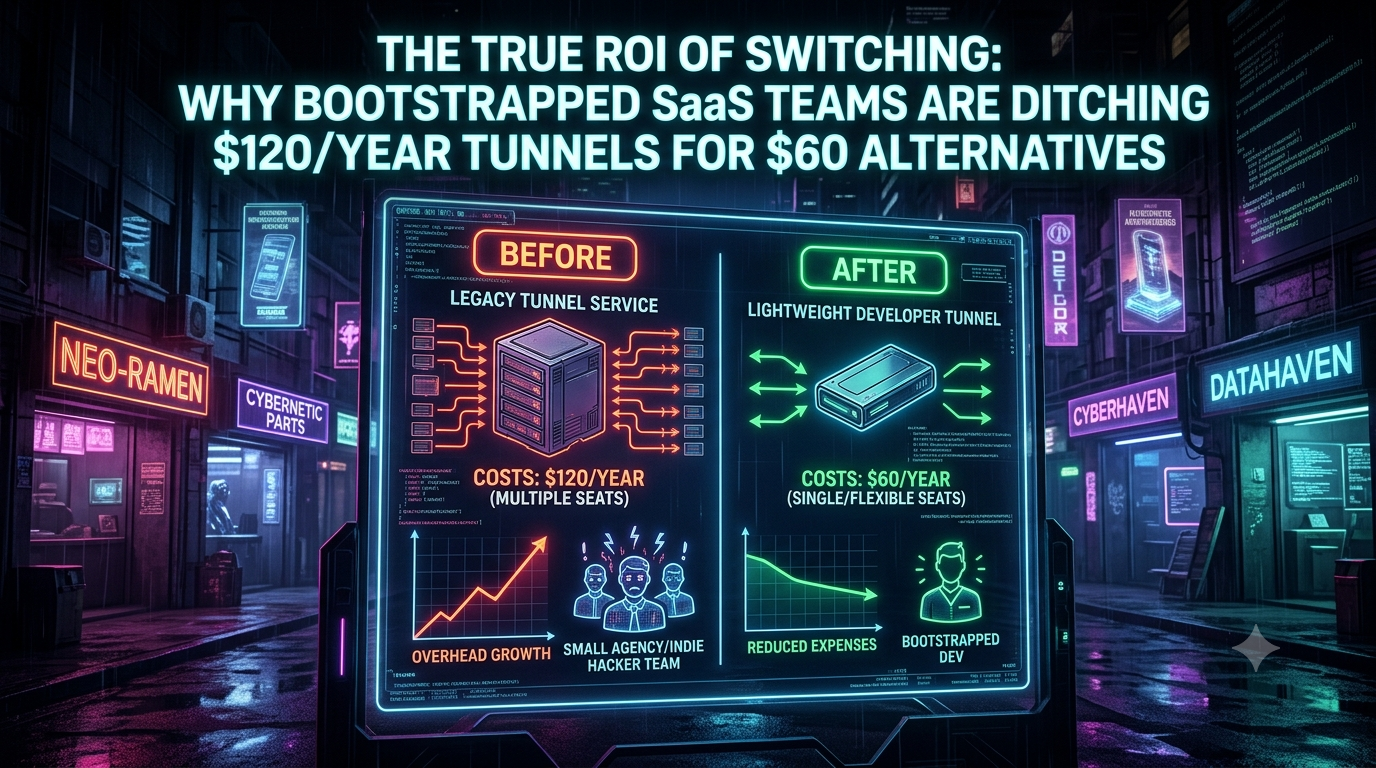
The True ROI of Switching: What Bootstrapped SaaS Teams Really Save on Developer Tunnels
Discover how bootstrapped SaaS teams and indie hackers cut dev tooling overhead by 50%. Compare multi-seat tunnel costs, features, and true ROI.` *(Length: 147 characters — high CTR focus with clear
Quick answer
Bootstrapped SaaS ROI: Why Teams Ditch $120/Yr Tunnels: quick comparison answer
Choose the tunnel tool based on the network model: public HTTPS URLs for webhooks and demos, private mesh access for internal apps, and managed infrastructure when policy controls matter most.
Which tunnel tool is best for public webhook testing?
Use a public HTTPS localhost tunnel with stable URLs. InstaTunnel focuses on webhook testing, demos, OAuth callbacks, and MCP endpoint workflows.
When should I choose a private network tool instead?
Choose a private mesh or Zero Trust tool when every user and service should stay inside a controlled private network.
For indie hackers, solopreneurs, and small agency founders, every dollar saved extends the runway. Founders audit their cloud bills closely: Lambda invocations, database sizes, vector store costs. Meanwhile developer tooling SaaS creep goes largely unexamined.
Take the humble reverse-proxy tunnel. It is essential for testing webhooks from services like Stripe, GitHub, or Twilio, for sharing local staging builds with clients, and for debugging mobile apps against a local backend. Tunnels have also moved from simple utilities toward usage-metered, multi-tier products. A pricing tracker logged several ngrok packaging and pricing changes during 2026 alone, including the rebranding of bandwidth as “data transfer”, new support add-ons, and changes to included TCP addresses.
This article works through what switching tunnels is actually worth, using pricing verified in October 2026. The headline numbers are more nuanced than “$120 versus $60”, and the real savings come from team structure and flat-cost options rather than from a cheaper per-seat sticker price.
1. What Tunnels Actually Cost in 2026
Prices change often, so treat the figures below as a snapshot taken on October 24, 2026.
| Option | Verified pricing | Notes |
|---|---|---|
| ngrok Free | $0 with a $5 one-time credit | 3 online endpoints, 1 GB data transfer out, 20,000 HTTP requests, one dev domain, interstitial page on browser traffic |
| ngrok Hobbyist | $10/month, or $8/month billed annually ($96/year) | Single user, $10 monthly usage credit, 10 ngrok-branded domains, no bring-your-own domain |
| ngrok Pay-as-you-go | $20/month base | Includes 3 users and $20 usage credit; extra users $5/month each; custom domains billed per active hour |
| LocalXpose Pro | $8/month billed annually ($96/year) | HTTP, HTTPS, TCP, TLS, UDP; custom domains; free Starter tier has time limits and an interstitial |
| Pinggy Pro | About $2.50–$3 per seat per month ($30–$36/year) | Free tier has 60-minute tunnels with random subdomains |
| Cloudflare Tunnel | Free | Zero Trust is free for up to 50 users, then $7/user/month on pay-as-you-go |
| Self-hosted (frp, Rathole) on a VPS | Software free; DigitalOcean’s cheapest Droplet is $4/month | A flat server cost shared by the whole team, plus your time |
Three details change how you should read the “$120 versus $60” framing:
- $120/year is ngrok’s Hobbyist plan billed monthly. Billed annually it is $96. LocalXpose Pro also costs $96/year billed annually, so moving between those two saves nothing.
- There is no single “$60 tier”. Lean alternatives range from roughly $30–$36/year (Pinggy) to $0 (Cloudflare Tunnel) to about $48/year for a shared self-hosted server. The $60 figure is best treated as a rough midpoint.
- ngrok’s free plan is less restrictive in some ways than commonly believed. ngrok’s docs state the free tier has no endpoint timeouts, and the free plan includes one dev domain that does not change on restart. The real friction is the 1 GB monthly transfer cap, the 20,000-request cap, and the interstitial warning page that ngrok injects in front of HTML browser traffic.
2. The Team Math
Per-seat comparisons mislead because ngrok’s team pricing is not per-seat Hobbyist plans. Pay-as-you-go includes three users for a $20 monthly base, then charges $5 per additional user. Here is the base annual cost by team size, excluding usage above included credits:
| Team size | ngrok Hobbyist per dev (annual billing) | ngrok Pay-as-you-go | Pinggy Pro (at $3/seat) | Self-hosted VPS ($4/month) |
|---|---|---|---|---|
| Solo | $96 | $240 | $36 | $48 |
| 3-person studio | $288 | $240 | $108 | $48 |
| 6-person agency | $576 | $420 | $216 | $48 |
| 10-person team | $960 | $660 | $360 | $48 |
For a 10-person team, moving from ngrok Pay-as-you-go ($660) to a shared self-hosted server ($48) saves about $612 a year. That is real money for a bootstrapped micro-SaaS, but keep it in proportion. A product at $5,000 MRR with a 20% net margin earns about $12,000 in annual profit, so $612 is roughly 5% of it. Put differently, at that margin you would need about $3,060 in new revenue to generate $612 in profit.
Team add-ons are where per-seat costs creep up. On ngrok’s pay-as-you-go plan, SSO/RBAC is $10 per user per month, and the governance suite (SCIM, account-wide IP restrictions, audit logs) is another $15 per user per month on top of that. If your team does not need those, you are paying for a platform designed for larger organizations.
3. Anatomy of a Modern Tunneling Stack
The Established Paradigm: Convenience at a Premium
ngrok popularized the single-command workflow (ngrok http 3000) that gives you an instant public HTTPS URL. It still offers the most polished traffic inspection, and its Traffic Policy features include OAuth, SAML, and OIDC identity checks. Those features are capped on small plans: the free plan covers 3 monthly active users and Hobbyist covers 5.
Two limits matter most for bootstrapped teams:
- Custom domains. Bringing your own domain is not available on Free or Hobbyist. It starts on Pay-as-you-go at $0.01 per active hour.
- Usage credits. On Free and Hobbyist, usage stops when the credit runs out rather than billing overages, according to ngrok’s pricing page. That is predictable for budgeting, but it can interrupt a demo.
If the interstitial is your only complaint, there is a no-cost workaround. Clients you control can send an ngrok-skip-browser-warning header with any value to bypass it.
The Lean Alternatives
- Dedicated budget tunnels.
- LocalXpose offers HTTP, HTTPS, TCP, TLS, and UDP tunnels, custom domains, wildcard tunnels, and a built-in file server on its $96/year Pro plan.
- Pinggy works over plain SSH with no install:
ssh -p 443 -R0:localhost:3000 a.pinggy.io. It supports HTTP(S), TCP, UDP, and TLS tunnels, and its free tier has unlimited data transfer but 60-minute tunnels. Persistent subdomains and removal of the time cap require the paid plan.
- Infrastructure-native tunnels. Cloudflare Tunnel is free and runs through the
cloudflaredagent. Two modes exist, and they are very different:- Quick tunnels (
cloudflared tunnel --url http://localhost:8080) need no account and give you a randomtrycloudflare.comURL. Cloudflare states they are for testing and development only, carry no SLA, have a hard cap on concurrent requests (returning HTTP 429 when exceeded), and do not support Server-Sent Events. - Named tunnels give you a stable hostname on a domain in Cloudflare and are the supported option for real traffic. For teams already on Cloudflare, this is the most cost-effective route. Zero Trust Access is free up to 50 users, and the $7/user/month pay-as-you-go tier applies beyond that.
- Quick tunnels (
- Open-source, self-hosted proxies.
- frp is written in Go and supports TCP, UDP, HTTP, and HTTPS forwarding. It is actively released; v0.68.0 shipped in March 2026.
- Rathole is written in Rust and is billed by its maintainers as a lightweight, high-performance alternative to frp, with mandatory per-service tokens and a binary that can be as small as about 500 KiB. Its performance advantages over frp are the project’s own claims. It forwards raw TCP and UDP, so plan on a TLS-terminating proxy such as Caddy or nginx if you want HTTPS hostnames. Check its maintenance cadence before depending on it: its last Docker Hub tag is v0.5.0, updated over two years ago.
- zrok is open source under Apache 2.0 and can be self-hosted.Self-hosting is not free. A DigitalOcean Basic Droplet starts at $4/month (512 MiB RAM, 1 vCPU, 500 GiB transfer). Hetzner is usually cheaper at equivalent specs, but it raised cloud prices roughly 30–37% on April 1, 2026, and price trackers also noted availability limits from late June 2026, so check current pricing and stock before planning around it.
You May Not Need a Tunnel at All
For Stripe specifically, the Stripe CLI can forward webhook events to your local server with no public URL: stripe listen --forward-to localhost:3000/webhook. Stripe also documents that you don’t need to configure a webhook endpoint in the Dashboard for this. If Stripe is your main use case, you can cut one tunnel seat entirely.
4. Calculating True ROI: Time Saved vs. Dollars Spent
The standard objection to switching is the switching cost itself: if saving $60 takes three hours of configuration, did you save anything?
Net first-year ROI = annual subscription savings − (migration hours + annual maintenance hours) × hourly engineering cost
Using an illustrative $75/hour rate:
- A solo dev moving from ngrok Hobbyist annual ($96) to Pinggy Pro ($36) saves $60. That savings is gone after 48 minutes of work. Per-seat switching only makes sense when it costs close to nothing.
- A 10-person team saving $612 a year by self-hosting breaks even at about 8 hours of total migration and maintenance time. Maintenance is the hidden variable: patching the VPS, rotating tokens, and handling a tunnel outage during a demo all count.
When NOT to Switch
- You are days from a launch. Pay for the convenience, ship, and revisit during a quiet iteration cycle.
- You need vendor compliance documentation. ngrok’s SOC 2 report is available only through its enterprise sales route, with a stated $10,000 minimum spend, and that applies to invoicing too. If a client contract demands vendor SOC 2 evidence, neither the $120 plan nor most $60 alternatives will satisfy it. Check that requirement before comparing prices.
- You rely on advanced traffic inspection or identity-aware policies. ngrok’s strongest features are its inspection and Traffic Policy tooling. Cheaper tools offer fewer of these.
When to Switch
- You are buying individual plans for a whole team. Ten Hobbyist plans cost $960/year on annual billing. Pay-as-you-go ($660), Pinggy ($360), or a named Cloudflare Tunnel ($0) are all cheaper.
- The free-tier ceiling is blocking you. If you keep hitting the 1 GB transfer or 20,000-request limits, that is a signal to move to a plan or tool without those limits.
- You need a custom domain. On ngrok that means jumping to Pay-as-you-go, while Cloudflare named tunnels, LocalXpose Pro, and Pinggy Pro all support custom domains.
- Your webhook URLs keep changing. This depends on the tool. ngrok’s free plan gives you a stable dev domain, while Pinggy’s free tier and Cloudflare quick tunnels issue random URLs. A stable URL on a lean tool means Pinggy Pro or a named Cloudflare Tunnel.
5. Actionable Playbook: Audit and Optimize Your Tunneling Stack
Run this over a single sprint, and avoid doing it during a release crunch.
Step 1: Inventory Current Usage
- How many tunnel accounts are billed to company cards, and on which plan and billing cycle (monthly versus annual)?
- Which features are actually used: custom domains, TCP, OAuth policies, traffic inspection, or just HTTP forwarding?
- Does anyone use a tunnel only for Stripe webhooks, which the Stripe CLI can replace?
Step 2: Run a Parallel Pilot
Do not migrate blind. Pick one non-critical project and run a candidate alongside your current tool, for example Cloudflare’s cloudflared tunnel --url http://localhost:8080 for a quick test or a named tunnel for a stable hostname. Measure:
- Setup friction: minutes to a working, stable public URL.
- Reliability: did the tunnel drop during long webhook sessions or database migrations?
- Developer sentiment: did the team find it clunky or did it fit their terminal workflow?
Step 3: Standardize and Centralize Billing
Fragmented subscriptions happen when developers expense tools individually. Once you pick a winner, standardize on one team plan or one self-hosted standard. If you choose self-hosting, assign an owner for updates and token rotation, and budget those maintenance hours in your ROI formula from the start.
Conclusion
Bootstrapped margins are built from many disciplined micro-optimizations, and tunnels are a good example because the savings come from structure, not sticker price. Switching a single seat from one $96 plan to another saves little, but moving a team off individual subscriptions to a shared plan, a free Cloudflare named tunnel, or a small self-hosted server can save hundreds of dollars a year. Whatever you choose, verify the current pricing on the vendor’s own page, because tunnel pricing moved repeatedly in 2026.
What developer subscription in your stack do you suspect costs more than the value it delivers?
Sources
- ngrok pricing (machine-readable)
- ngrok free plan limits
- ngrok pricing history, PricingSaaS
- LocalXpose pricing summary, DevTune
- Pinggy vs ngrok, Pinggy
- Pinggy free-tier details, FreeTier.co
- Cloudflare Quick Tunnels docs
- The complete guide to Cloudflare Tunnel, Flavio Copes
- Cloudflare Zero Trust pricing, CostBench
- Rathole on GitHub
- Rathole on Docker Hub
- frp on GitHub
- frp v0.68.0 release notes via frpmgr
- DigitalOcean Droplet pricing
- Hetzner Cloud review, Better Stack
- VPS Price Tracker, Findstack
- Stripe CLI listen command
- Best ngrok alternatives for indie hackers 2026, DevToolPicks
Related InstaTunnel pages
Continue from this article into the most relevant product guides and workflows.
Related Topics
Keep building with InstaTunnel
Read the docs for implementation details or compare plans before you ship.